Free Streaming Software
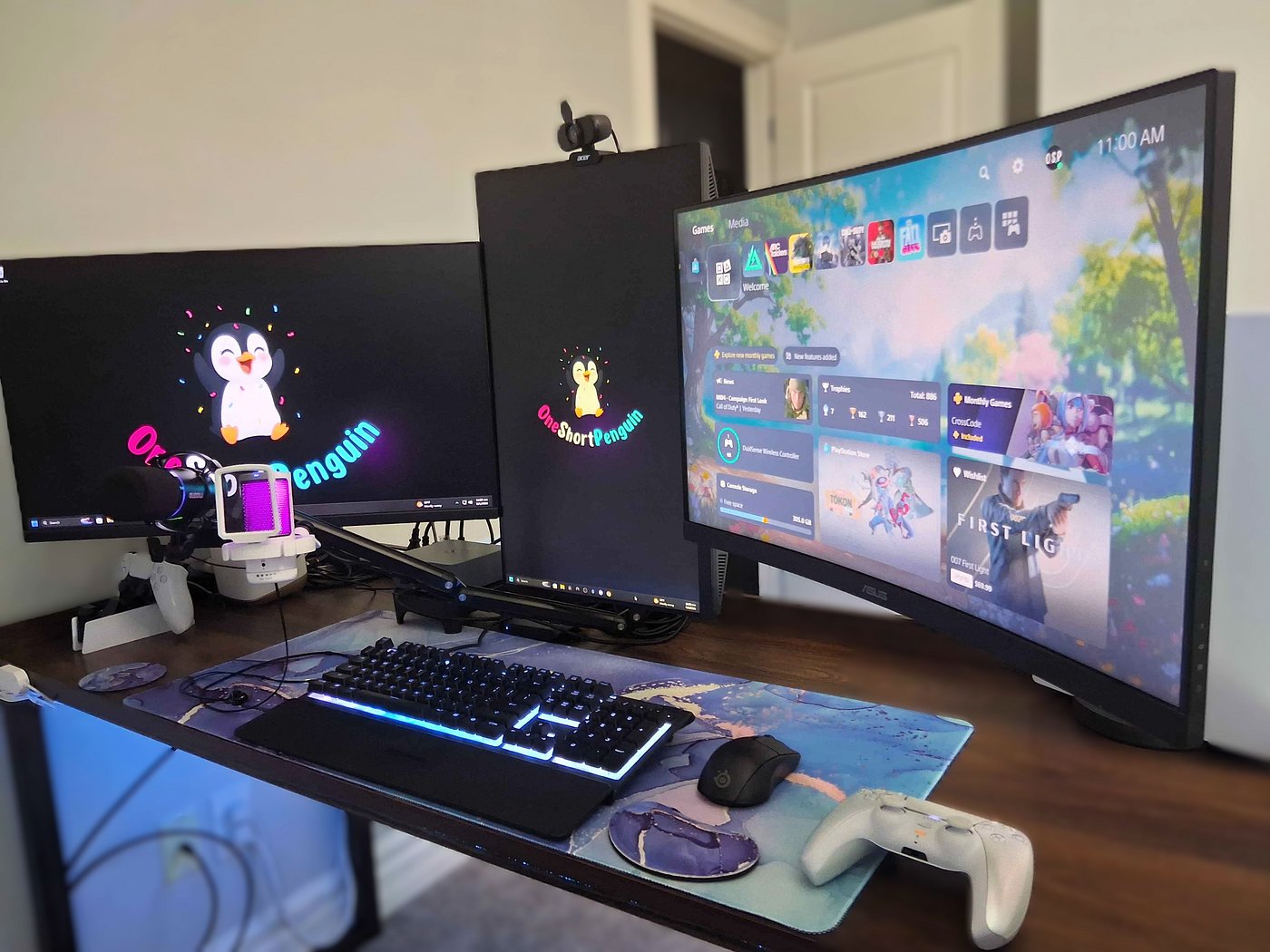
This is the exact setup I use to power my streams. I firmly believe quality content creation shouldn't be locked behind a paywall—whether it's streaming software or custom alerts. It took me over a year of trial and error to figure all of this out, and while I'm still learning every day, I hope this gives you a major head start!
I’ve had the joy of helping several fellow creators launch their streams using these exact free tools, and I know you can do it too on your content creation journey.
xo OSP
Streaming/Recording Software: OBS Studio
Absolutely free, it does have a bit of a learning curve. MidnightMan has several videos to help get you started with your setup. Remember - not all PCs are the same so the settings will not be perfect and will need to be tuned specifically to your gear.
Audio Mixer: SteelSeries Sonar
I use this to manage all my audio sources seperately - Discord, game, music, etc. It splits the tracks for my stream, letting me adjust what I hear without affecting what my viewers hear and for recordings.
Multistream OBS Plugin: Aitum Multistream
I use separate encoders for YouTube versus Twitch and Kick. This allows me to optimize performance based on the capabilities of my integrated GPU.
Cloud-based Restreaming: Meld Multi
I stream in 1080p60 across YouTube, Twitch, and Kick. YouTube is my main platform, so I send a high bitrate stream directly to it to prevent pixelation during fast-paced gameplay. To save PC resources and upload bandwidth, I send a secondary 5.4 Mbps stream to Meld Multi, which splits and routes the feed to Twitch and Kick within their bitrate limits.
Multichat Docks/Overlays: Prochat.gg
I set up two OBS docks with ProChat (one for chat, one for events) because it captures raids, jewels, and other actions that other multichats miss. I started with the FREE version! However, I currently use the paid version since I am now multi-streaming to several platforms and it includes all of them!
*If you'd like to try ProChat Premium & get the first month for a discounted rate of $2.99 (reg. $5.99/mo). Here's my referral link.*
Graphics & Designs: Canva
I personally make all my visual components through Canva including my overlays, channel branding, subscriber badges, emotes, and YouTube thumbnails.
Stream Bot & Automation: Streamer.bot
This program is the brains behind the operation. It processes all of my chat commands and bot actions, and whenever an event like a membership, Super Chat, or Bits comes in, it automatically triggers the right stream overlays, audio alerts, and messages to send out.
Creators Assisted